// ARS TECHNICA — MOBILE & WEB
Android can now securely migrate your logins between password managers
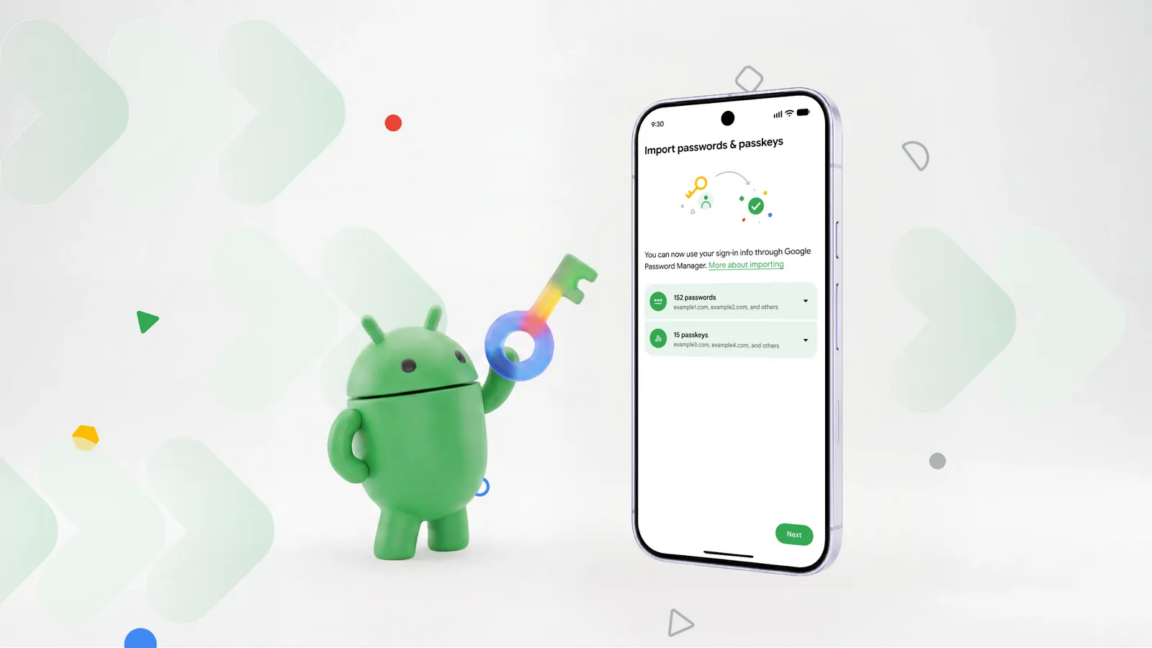
App support is slim right now, but Google says more are coming.
As longer, more complex passwords have become a necessity, remembering all those strings of numbers, letters, and special characters has become nearly impossible. Password managers can solve that problem, but what happens when you want to move to a different login organizer? Sure, you could manually type all your logins into a new app, but now Android can do that for you without the tedium.
Google designed the new login transfer process to happen entirely on your phone, so you need the corresponding apps installed with your credentials synced. To start the move, you’ll have to find the import option in the app you want to use. The location of that feature will vary, but in Google Password Manager (built into Android), it’s near the top under the settings tab.
The import option in Google Password Manager will plug in to the new migration system, while export still just creates an unencrypted CSV with your passwords that can be dumped into any app. It will be similar in other apps, so make sure to start the process in the app you want to use. Currently, this works in Google’s app, 1Password, Bitwarden, and Dashlane.
Once you trigger the migration, the Android system will verify your identity and ask you to confirm the move in your new password manager. Android can move both passwords and passkeys without creating any risky text files. Even if you’ve got a lot of passwords, the process should wrap up quickly.
This feature doesn’t require an OS update or new app downloads beyond grabbing the password manager you want to use. It’s integrated with Google Play Services and works on all devices running Android 8.0 Oreo or higher. Play Services support currently only goes back to 7.0 Nougat, so password migration should work on virtually every operational Google-certified Android device in the world.
If you want to use a password manager that isn’t on the list, you’re currently stuck doing a manual import or an unencrypted CSV. This feature relies on the Credential Transfer API, which the previously mentioned apps have all implemented. Google says more password managers will add support for transfers via this API eventually but does not offer a timeline.