// TOM'S HARDWARE US — HARDWARE & GADGET
Gears of War: E-Day PC graphics performance tested
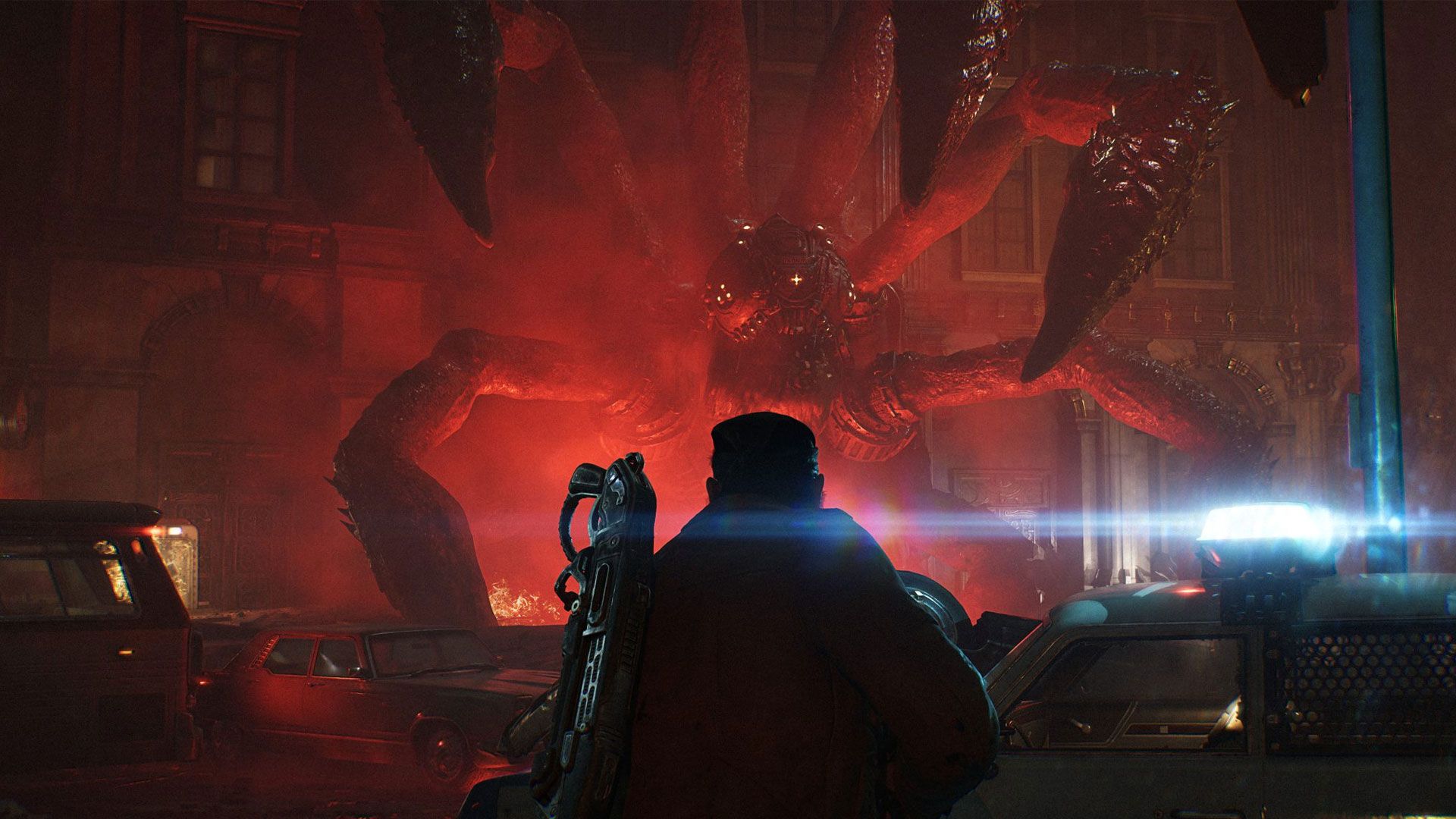
The first game with UE5's MegaLights feels distinctly next-gen
When you purchase through links on our site, we may earn an affiliate commission. Here’s how it works.
Gears of War: E-Day takes us back to the very beginning of one of the most beloved sagas in gaming: Emergence Day. And to tell this new chapter in the Gears story, developers at The Coalition rebuilt Gears entirely from the ground up in Unreal Engine 5. On top of all-new assets, E-Day is the first shipping title that uses UE5’s MegaLights technology. This tech allows artists to light a space with hundreds of dynamic ray-traced light sources, all in real time.
MegaLights immediately stands out as something different and distinctly next-gen for real-time graphics. Right from the start, Gears of War: E-Day made the hair stand up on the back of my neck with its haunting use of light and shadow. As I fought through the first bloody minutes of Emergence Day with protagonists Marcus and Dom and some new recruits in tow, I was struck by the power of dynamic lighting from sources like the flashing lights on police cars and ambulances.
And as I walked through a ravaged supermarket, I was amazed by the diversity of realistic light sources in the scene, from flickering TVs to fluorescent tubes in the frozen foods aisles. To find out what level of graphics horsepower Gears' incredible presentation demands in exchange for a 60 FPS average, I wiped the Locust guts off and got to testing performance across 43 of our graphics cards to see which GPUs were up to the job.
If you're interested in CPU performance, check out our Gears of War E-Day CPU benchmarks, as well.
Gears of War: E-Day offers five quality presets: Low, Medium, High, Ultra, and Ludicrous (seemingly equivalent to Cinematic in other Unreal Engine 5 titles). We captured screenshots at the same location in-game using all five of these presets so you can get a sense of the image quality changes at each one.
If you have to turn down settings to achieve playable performance, I wouldn’t personally go any lower than Medium, as Low brutally crushes the shadows (which may or may not be a bug) and loses a lot of ambient occlusion, creating a sort of cardboard cut-out look on surfaces like the car headlights in the comparison scene above. Check out the rather cartoony-looking destroyed building on the right edge of the frame, too, where the destroyed interior and intact exterior aren’t naturally shadowed.
From Medium on up, the differences are more subtle. Shadows from foliage become softer and more detailed as we move from Medium to High to Ultra, more bounce light might be visible on some surfaces, and textures might be slightly sharper, as expected. But you’re not losing a ton of visual richness if you have to step down to Medium. And as you’ll see in our performance results, that’s a good thing for older and lower-end hardware.
Get Tom's Hardware's best news and in-depth reviews, straight to your inbox.