// 9TO5GOOGLE — MOBILE & WEB
Gemini app gains new ‘Map’ tool, replacing ‘/’ with ‘@’
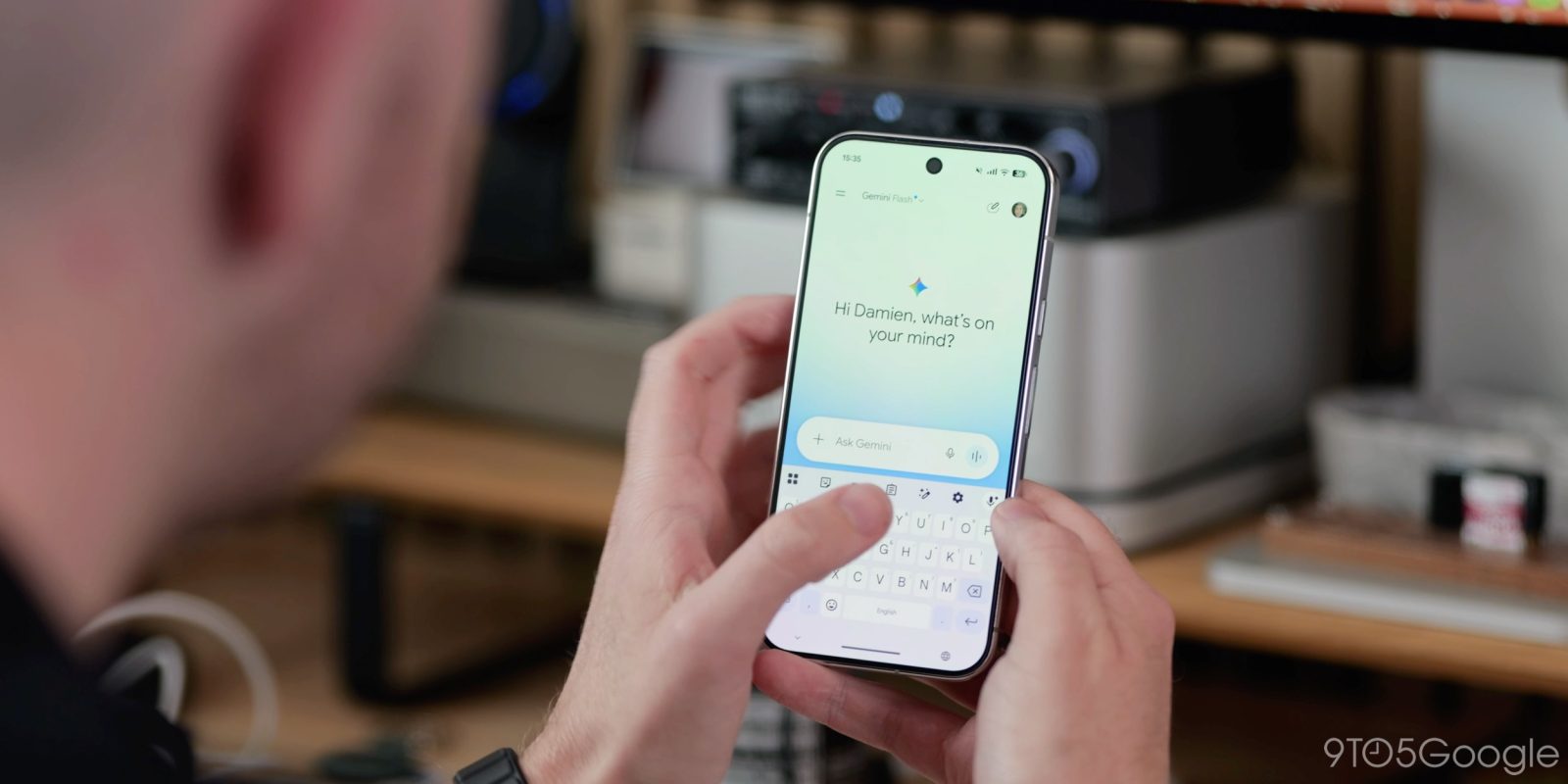
Google has introduced a “Map” tool to aid your location-based Gemini app prompts on Android and iOS. Meanwhile, the Gemini app is already getting ready to replace the forward slash for skills.
On mobile (not available on the web), you can find “Map” at the end of the carousel alongside Photos, Camera, Avatar, Files, Drive, and Notebooks.
This launches a live map of your current location with a circular focus area. You can pan and zoom in/out as needed, while the magnifying glass icon in the top-right corner lets you search for any location. Once you’ve made a selection, hit “Explore this area.”
This adds “Map Area” to the prompt box where you can append text. The Map tool is widely rolled out.
With the latest Google app beta (version 17.63), Gemini is replacing the forward slash (“/”) to invoke skills with the “@” symbol that’s already used for Connected Apps, which will soon be renamed to “Connectors.”
Google just announced on Wednesday that skills will replace Gems and that you can use a slash in the prompt box to activate. We’re seeing the following prompt when entering a slash:
/ is now @. Access your skills, connectors and more from a single place.
The box that appears is slightly wider than before, with skills appearing first and a shortcut to create new ones. This change is not widely rolled out yet.
FTC: We use income earning auto affiliate links. More.