// 9TO5MAC — MOBILE & WEB
macOS 27 just fixed the most annoying problem for third-party HDR displays
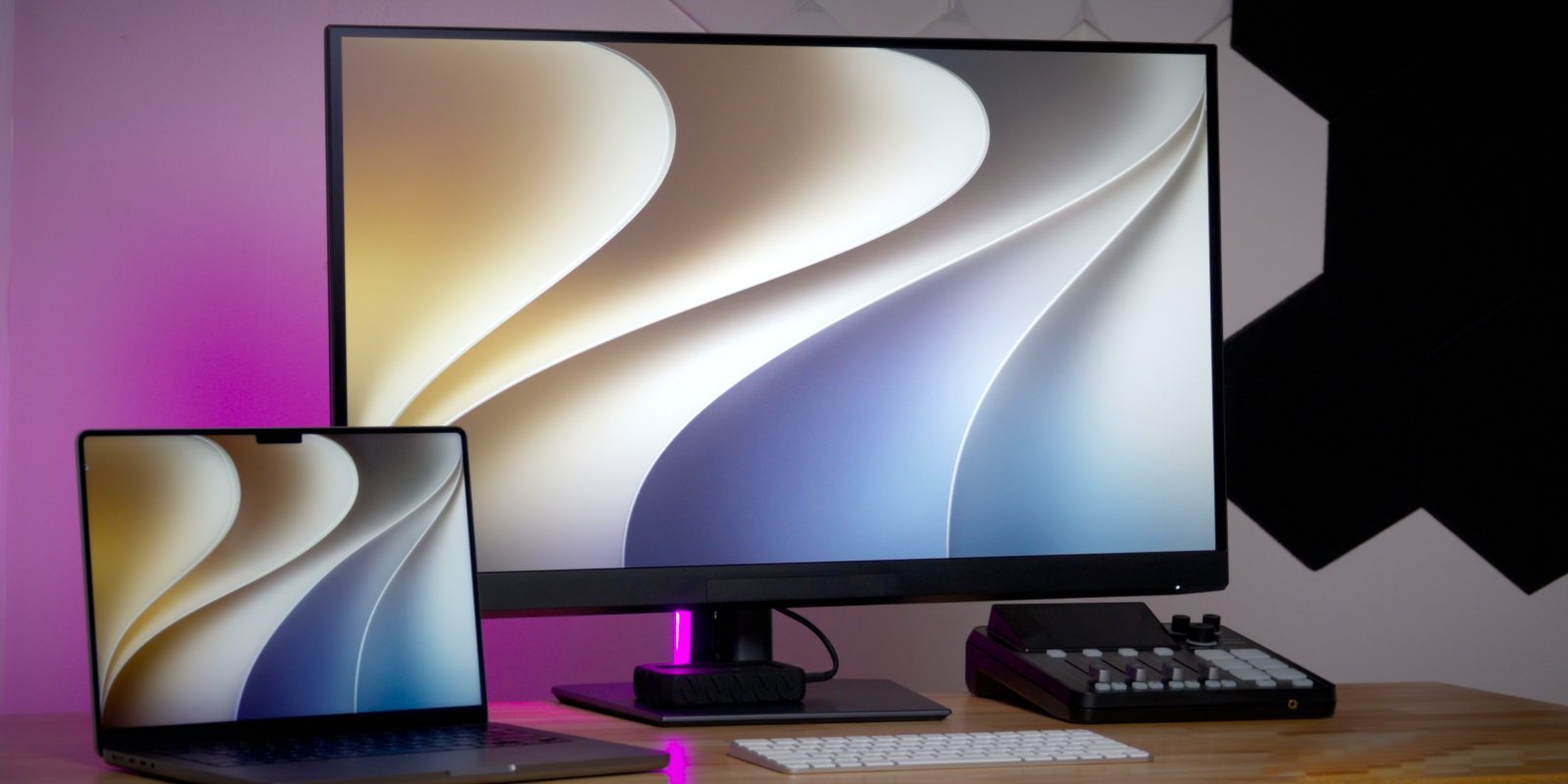
I’m in the middle of testing Dell’s 32-inch UltraSharp U3226Q, and my thoughts so far are extremely positive. The picture quality of this OLED panel is impressive, especially when HDR is enabled in macOS. I’ll have a full hands-on review of the UltraSharp on our YouTube channel.
Meanwhile, I wanted to note a key improvement Apple introduced in macOS 27 regarding HDR support. A drawback of using an HDR-ready third-party monitor on macOS 26 Tahoe was the inability to activate High Dynamic Range at the common 2560 x 1440 scaled resolution. Fortunately, the newest macOS release resolves this problem.
Jeff Benjamin's favorite screen cleaner for Apple products.
If you’re using an HDR10-capable third-party display with macOS Tahoe, you’ll see a High Dynamic Range toggle in Settings → Displays. When that switch is flipped, HDR content will be viewable. You can see an example of this in the screenshot below.
But notice in that same screenshot that I’m running the display at a resolution of 1920 x 1080, which is exactly 2x the pixel-doubled resolution of this 4K UHD display’s native 3840 x 2160.
Most users probably don’t want to run at 1920 x 1080 because it makes content appear too large on a 4K display. The Dell Ultrasharp U3226Q is a 32-inch display, and running at 1920×1080 greatly reduces the available screen real estate.
Fixing this issue in macOS is easy; simply select a scaled resolution, such as the popular 2560 x 1440, which is the default setting for Apple’s 5K Studio Display. The problem is that when you select a scaled resolution on macOS Tahoe, HDR is disabled. Notice the screenshot below:
Jeff's favorite screen cleaning cloth that polishes to a shine.
As you can see, the High Dynamic Range toggle is no longer available, and macOS automatically switches back to Standard Dynamic Range. This means that when running macOS Tahoe with an HDR display, you have to choose between HDR and running the preferred scaled resolution.
Thankfully, this issue has been fixed in macOS 27 Golden Gate. In the screenshot below, you can see that you can have both a scaled resolution selected and HDR enabled simultaneously. This is a native option, and no third-party software is involved.