// TOM'S HARDWARE US — HARDWARE & GADGET
We tested gaming performance in 17-year-old Windows 7 on a modern gaming PC against Windows 11
When you purchase through links on our site, we may earn an affiliate commission. Here’s how it works.
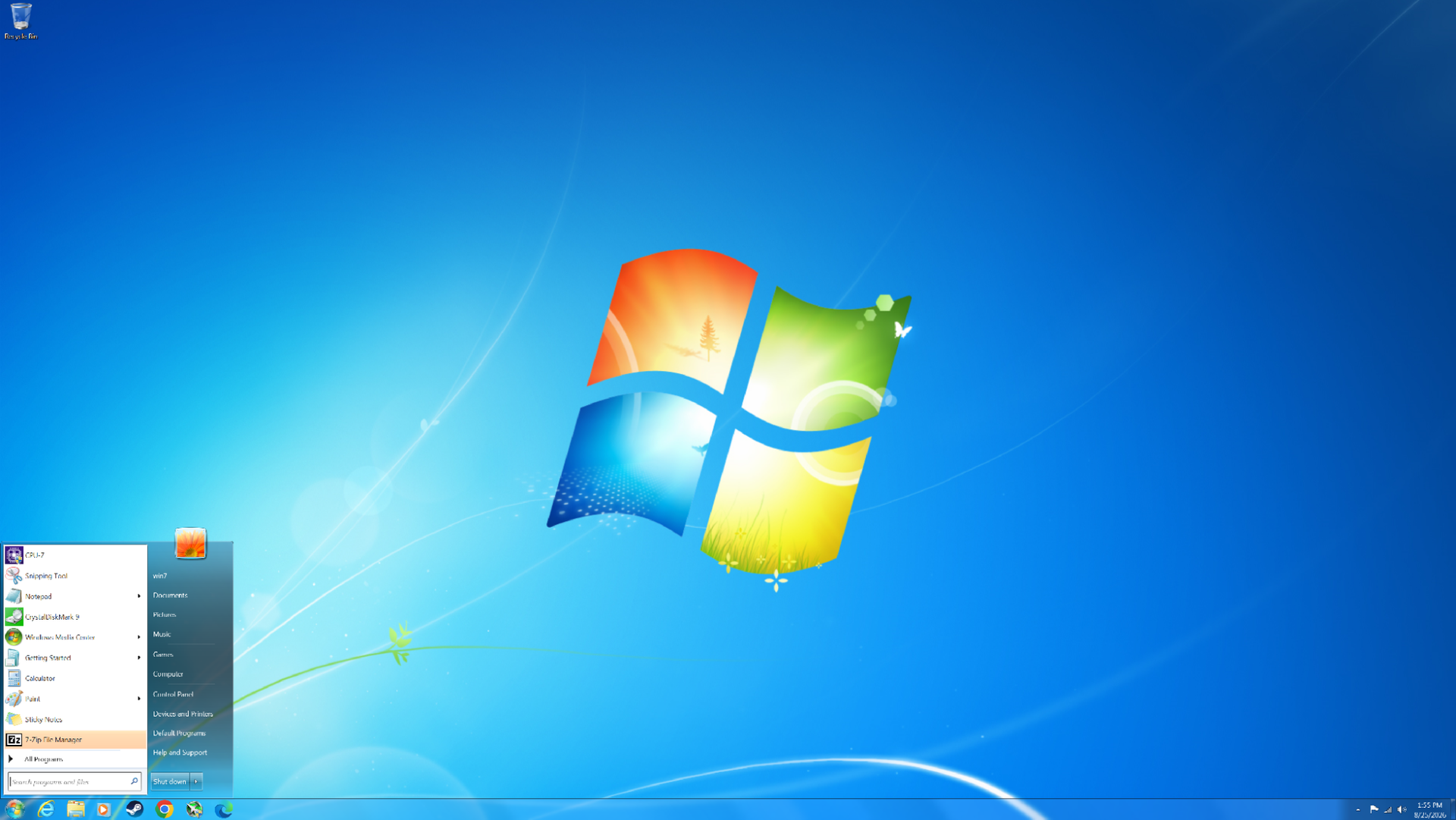
After the rough reception of Windows Vista, Windows 7 launched in 2009 to largely positive reviews. Even 17 years later, it remains one of the most beloved versions of Windows ever released. But how does this nearly two-decade-old operating system hold up on modern hardware? We managed to install Windows 7 on a modern PC and put it to the test across eight DirectX 11 games and two DirectX 9 titles to see how its gaming performance compares to Windows 11 today. Surprisingly, Windows 7 still carves out many notable wins over its successor.
At launch, Windows 7 was very similar to Windows Vista in many respects. Vista had introduced significant changes under the hood compared to Windows XP, including technologies such as SuperFetch, ReadyBoost, ReadyDrive, new asynchronous APIs, and other I/O improvements. It also introduced native processor power management and various memory-management enhancements. On the visual side, Vista was the first version of Windows to feature Windows Aero, with its distinctive glass-like window borders.
Windows 7 retained many of these underlying technologies while addressing several of Vista’s biggest criticisms. One notable improvement was greater control over User Account Control (UAC), allowing users to adjust how frequently they received UAC prompts. In Vista, these prompts could appear far too often, becoming a major source of frustration for many users.
Windows 7 also benefited from something that had nothing to do with the operating system itself: more powerful hardware. When Vista launched, many mid-range and budget PCs struggled to deliver smooth performance, particularly when using more demanding visual features such as Windows Aero. By 2009, however, PC hardware had advanced considerably, and the performance required to run these features smoothly was no longer a significant concern for most users.
Getting Windows 7 running on modern hardware is not as straightforward as installing a current version of Windows. At 17 years old, the operating system predates many of the technologies used by modern PCs, meaning driver support is extremely limited. For example, Windows 7 does not include native NVMe or USB 3.0 support, so the necessary drivers have to be slipstreamed into the installation ISO. Microsoft did eventually release patches that added NVMe support, but without injecting the appropriate drivers into the ISO, the Windows 7 installer will not recognize an NVMe drive.
Our system is based on AMD’s AM5 platform (with the full system specifications detailed later in the article), which presents another limitation: there are no official Windows 7 chipset drivers for the platform.
Fortunately, we are using an RDNA 2 GPU, which does have Windows 7 driver support, allowing us to use a relatively modern graphics card for our testing.
Get Tom's Hardware's best news and in-depth reviews, straight to your inbox.
The motherboard is also an important consideration. Modern motherboards that have dropped CSM (Compatibility Support Module) and legacy boot support can make installing Windows 7 considerably more difficult, and in some cases may prevent the operating system from booting altogether. Fortunately, our motherboard still supports CSM, so this was not an issue for our setup.