// 9TO5MAC — MOBILE & WEB
iOS 27 adds brand new widgets for your iPhone’s Home Screen
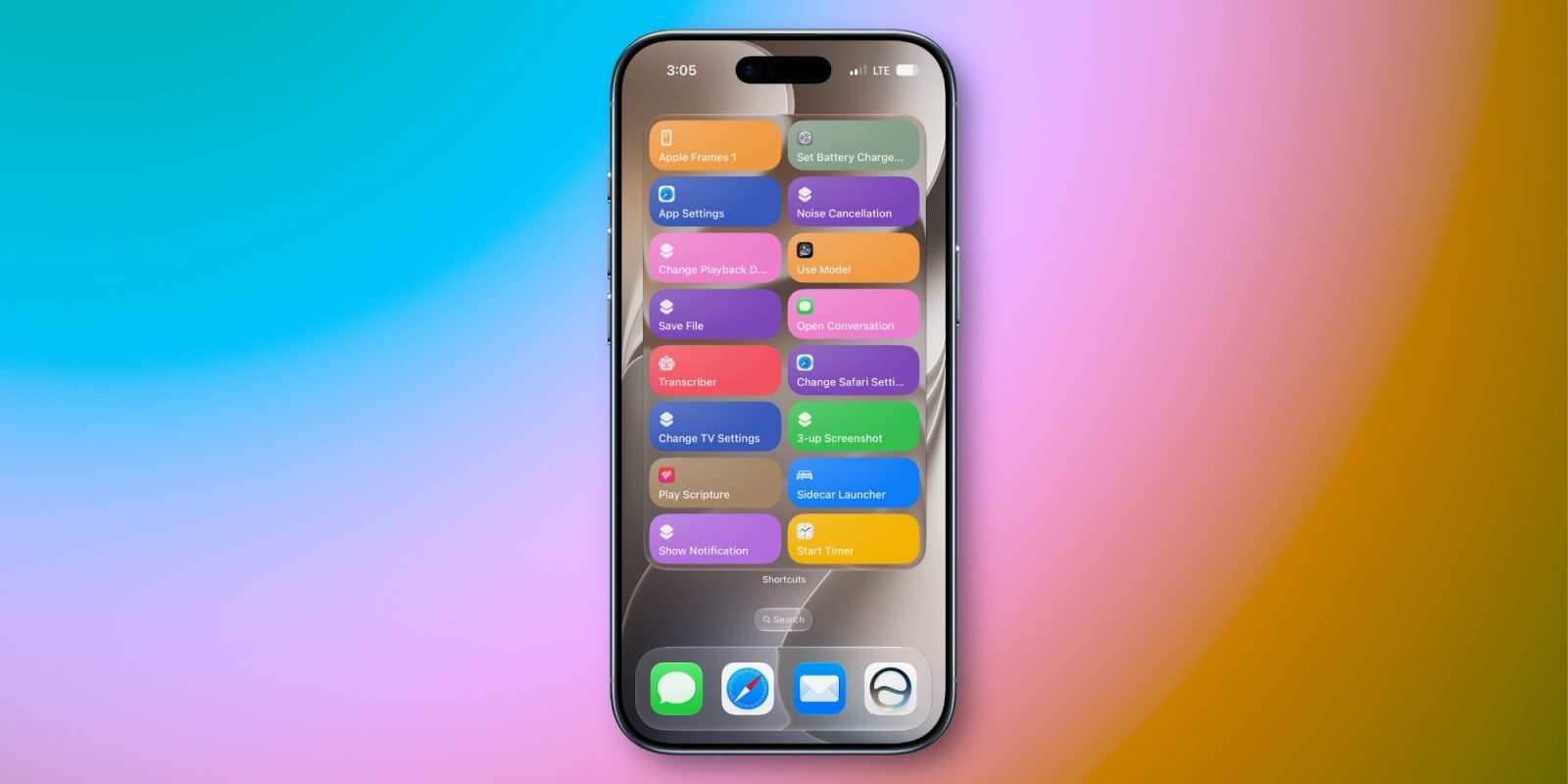
iOS 27 expands the available options to customize your Home Screen with new extra-large widgets that will be especially useful on iPhone Duo. Here’s the full list of 15+ pre-installed widgets iOS 27 introduces.
If you’ve ever felt like the iPhone’s current widget options are too limited, iOS 27 could prove an especially exciting upgrade for you.
That’s because Apple has added a new ‘extra-large’ widget size.
The previous largest widget—‘large’—filled a 4×4 grid of slots on the Home Screen. Extra-large widgets stretch the max size to a 4×6 grid. That’s generally the size of a full Home Screen page.
Here are the Apple apps that now offer extra-large widgets:
Because of the larger size, extra-large widgets can show more content than ever before. So if you have an especially packed calendar, to-do list, want to see more notes at once, or some other need, the new widgets are a great addition.
You can use these on any size iPhone, but they’re no doubt intended for the extra-large screen of the iPhone Duo.
Have you been using the new widgets in iOS 27? Which are your favorites? Let us know in the comments.
FTC: We use income earning auto affiliate links. More.