// SPACE.COM — SPAZIO & SCIENZA
Red light, white light: How to preserve your night vision while using stargazing apps
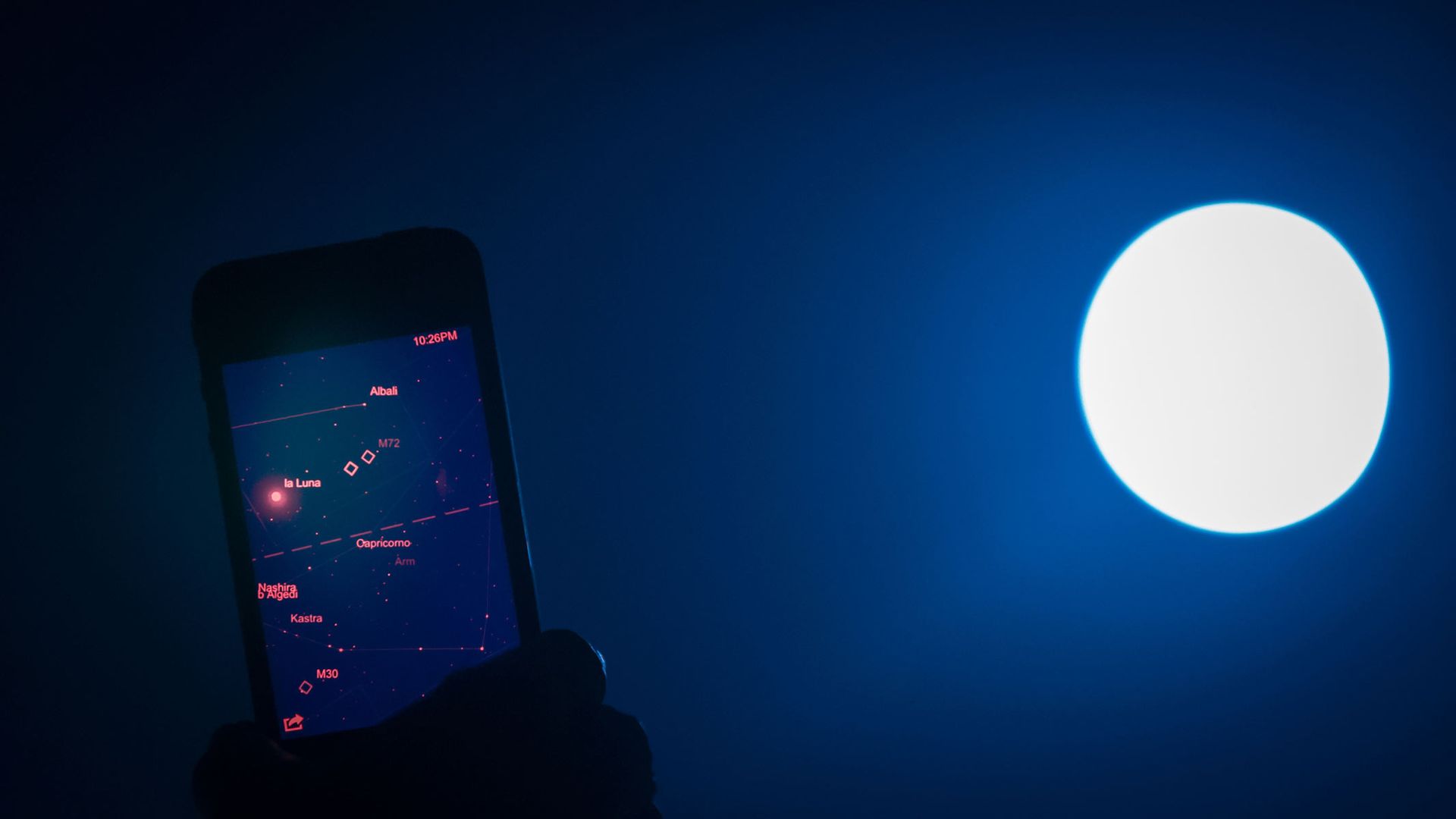
The right apps can take a lot of the work out of stargazing, but they can also stop your eyes from adjusting to the dark. Here's how to use them without ruining your skywatching.
When you purchase through links on our site, we may earn an affiliate commission. Here’s how it works.
The best stargazing apps can take your observation of the night sky to the next level, whether that's using augmented reality (AR mode) to identify stars or looking up the next lunar eclipse.
However, the bright light emitted by smartphone screens can prevent your eyes from adjusting to the dark. If you're using one of the best telescopes, you'll want to preserve your night vision even more. Fortunately, there are ways to all but eliminate this problem.
When you step out into the dark, it can take up to 20-30 minutes for your vision to adjust. The rod cells in your eyes build up a chemical known as rhodopsin, which gives you night vision.
However, bright light bleaches that chemical, negatively impacting your night vision. So when you look through a telescope, binoculars or just turn your eyes to the night sky after peering at a bright phone screen, it'll be harder for you to pick out fainter objects such as galaxies and nebulas.
One way of fixing this problem is simply to put your phone away and wait another 20-30 minutes. But if you're using a stargazing app to help you navigate the night skies, that's not really an option.
The good news is that, between individual stargazing apps and your phone's own built-in features, you can minimize the impact of your smartphone's screen light.
Many of the best stargazing apps will let you enable a red light filter or similar, though this option may not always be present in the free version. Here's how to do that in three of our favorite stargazing apps:
SkyView: Tap the screen, tap the horizontal lines, tap on Settings, then Display, then Night Mode and Red.