// 9TO5MAC — MOBILE & WEB
Firefox’s AI-powered Smart Window gets form autofill and website monitoring
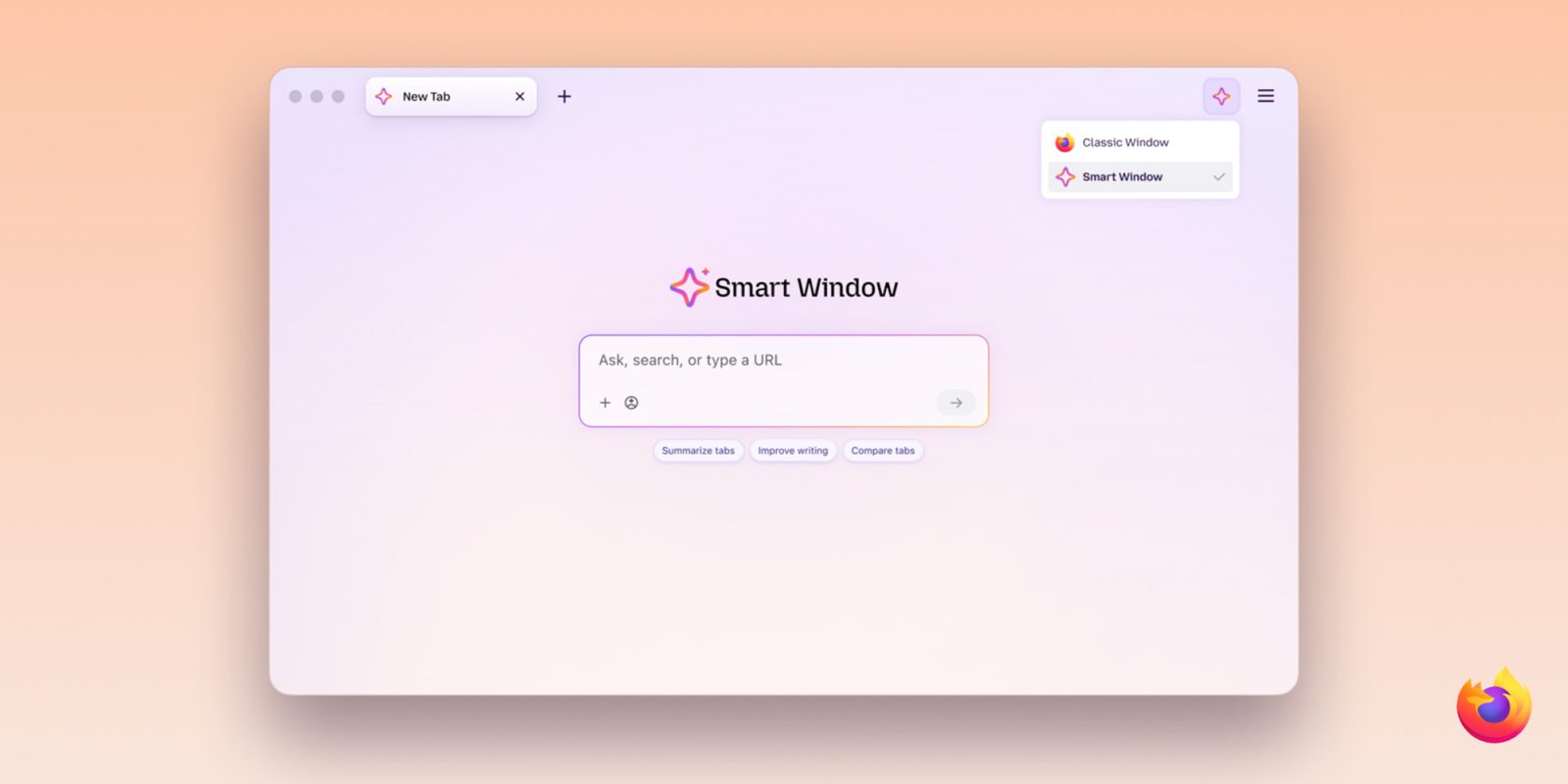
Mozilla today announced two new features for Smart Window, its opt-in AI-powered browsing experience in Firefox. Here are the details.
Nearly one year ago, Mozilla announced plans to introduce AI Window, an opt-in experience that would let Firefox users interact with an AI assistant while browsing, with features like summarizing content, comparing information across tabs, and answering questions without leaving the browser.
Since then, the feature has been renamed Smart Window, and it has gradually gained new capabilities.
A few months ago, for instance, Mozilla introduced AI-powered web search to Smart Window, alongside automatic tab grouping, duplicate tab detection, and the ability to search browsing history using natural language.
Today, the company announced two additional features rolling out to Smart Window beta users: AI-powered form filling and website monitoring.
As Mozilla explains, the AI-powered form-filling feature can draw context from other open tabs to suggest answers for web forms. This means it goes beyond traditional autofill, which typically handles basic information like names, addresses, and contact details, by generating responses based on information found on other currently open pages.
For example, Smart Window could use information from your online portfolio or professional profile to fill in your work history, or draw on those details to draft an answer to a question like “Tell me about a time when…” Firefox’s regular autofill still handles saved information such as your name and address, which can be entered directly into forms without relying on AI models.
Mozilla notes that the feature relies on Google’s Gemini 3.1 Flash Lite model to analyze form fields and extract relevant information from selected tabs, meaning that information from those pages is shared with the AI model for processing.
The second feature rolling out today is website monitoring, which works similarly to Safari’s new “Notify Me” feature introduced with iOS 27 and macOS 27.
It lets users type /watch in the Smart Window chat to tell Firefox to monitor webpages for specific changes, such as price drops, product availability, or new job listings. Firefox then notifies users when those changes are detected.