// ENGADGET — MOBILE & WEB
Everything you need to know about Googlebooks
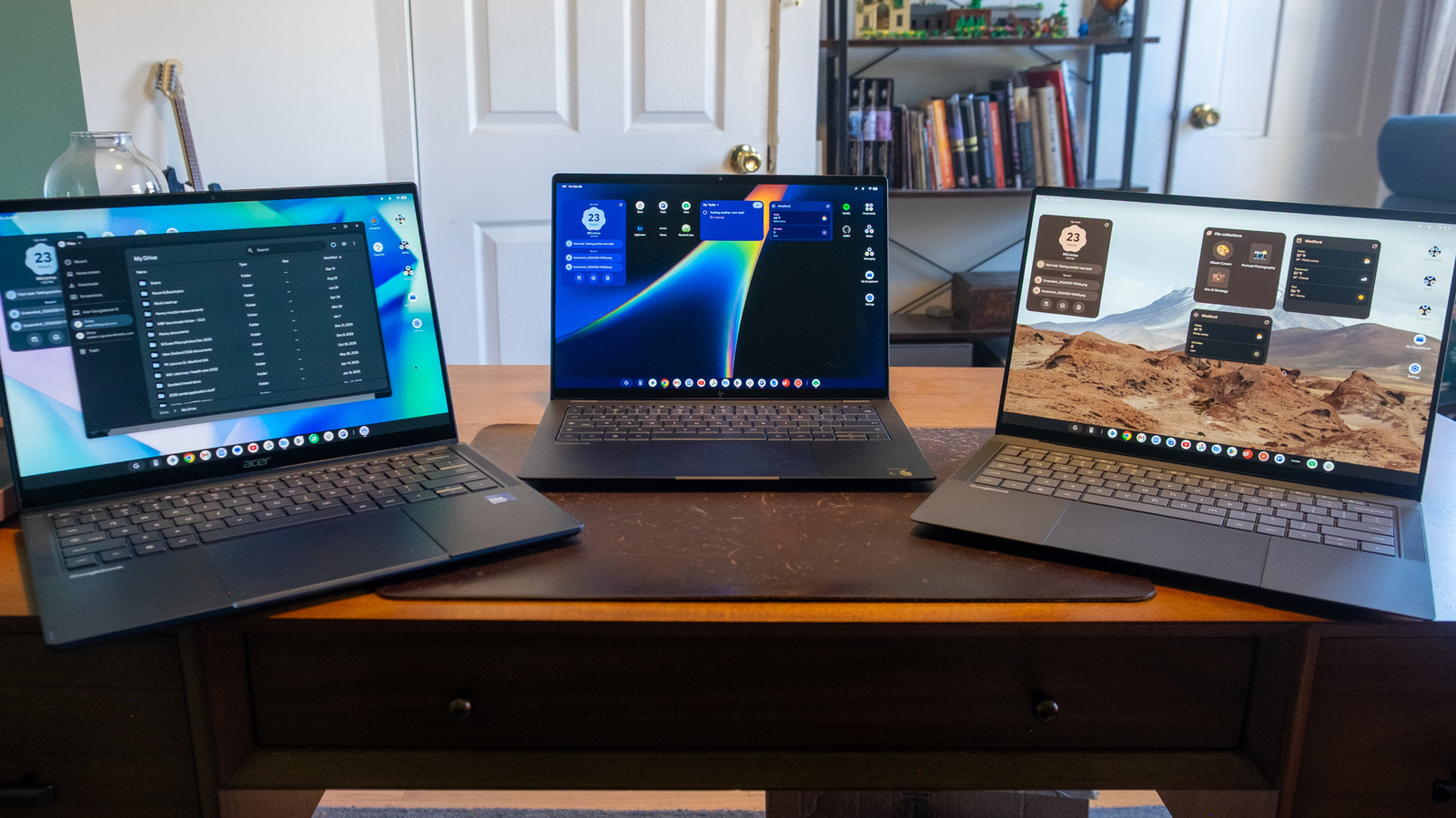
Despite good initial hardware, the Googlebook OS still needs a lot of work.
It's somehow been almost two and a half years since Google said it would migrate its laptop operating system from ChromeOS to Android, and the results of that effort are finally out in the wild. Google and its hardware partners officially launched Googlebooks earlier this month with the promise of tight integration between your Android phone and this new, Android-powered laptop OS, plenty of AI-powered tricks and premium hardware.
As someone who has used and tested ChromeOS extensively over the last decade (!), I've been wondering what exactly would differentiate the Googlebook OS from ChromeOS. Google's initial Googlebook introduction in May didn't give us a ton of information, but a big demo event and several weeks of testing has given me a better idea of what the company is shooting for. And after my time with Googlebooks, I can say that while there might be benefits internally for Google (as well as third-party developers) to move from ChromeOS to Android, the upside isn't fully there for potential buyers yet — particularly when you consider how expensive Googlebooks are.
This isn't a formal review of one Googlebook but rather an evaluation of the operating system Google is pushing. But it's worth talking quickly about the Googlebook hardware launching alongside the OS. Most of my testing was done on the $1,299 ASUS Googlebook 14, an extremely thin and light laptop that weighs in at only 2.2 pounds. It features an OLED touchscreen with Corning's Gorilla Matte glass, which significantly cuts down on reflections. From a specs standpoint, it runs on an Intel Core Ultra 5 chip with 16GB of RAM and 512GB of storage. It's a really lovely laptop, as it should be at that price point. I also did some testing on the Acer Googlebook 14 and HP's Googlebook 14, the latter of which runs on the Snapdragon X Elite X1E-80-100 processor. Performance felt similar whether using the Intel or Qualcomm models, though I anecdotally feel like battery life was better and fans kicked in less frequently on the HP.
The Googlebook introduction positioned these new devices as premium computers, and indeed they are priced to match that claim. The least expensive Googlebook out there, Acer's Googlebook 14, starts at $899 — and that's the only Googlebook under $1,000. And while various manufacturers (including Google itself) have released premium, expensive Chromebooks over the years, Acer's $899 Googlebook is more expensive than nearly all the Chromebooks on the market.
Eventually, Googlebooks will fully replace ChromeOS, so I expect a future wave of devices will focus on affordable options. But for now, Googlebooks are strictly a premium experience with a price to match, and that'll be a big part of my evaluation of the OS. It's always been easier to forgive any limitations you might find on a Chromebook when they were priced at $400 or $500, but it's a lot harder when we're in the $1,000 range where you can get a more versatile Mac or Windows PC.
Setting up a Chromebook isn't hard — you generally just log in with your Google account. But Google is emphasizing the ties between your Android phone and Googlebook right from the first step, where you're prompted to set up with an Android device or even an iPhone or iPad. When I selected Android device, a notification popped up on my Pixel 11 asking me if I wanted to use it to set up my Googlebook. The laptop, meanwhile, had a QR code for scanning at the ready.
After scanning that code, my Googlebook connected to Wi-Fi and then asked me if I wanted to use the Google account from my phone. After that, I just confirmed my name and profile picture, set a login password and added a fingerprint to unlock the device. Finally, it asked if I wanted to copy apps and data from my phone, which didn't take long at all. I don't think all that much was shared, but there's a customize option for those who want to be specific about what moves