// 9TO5MAC — MOBILE & WEB
iPadOS 27.2 adds convenient new multitasking option on iPad
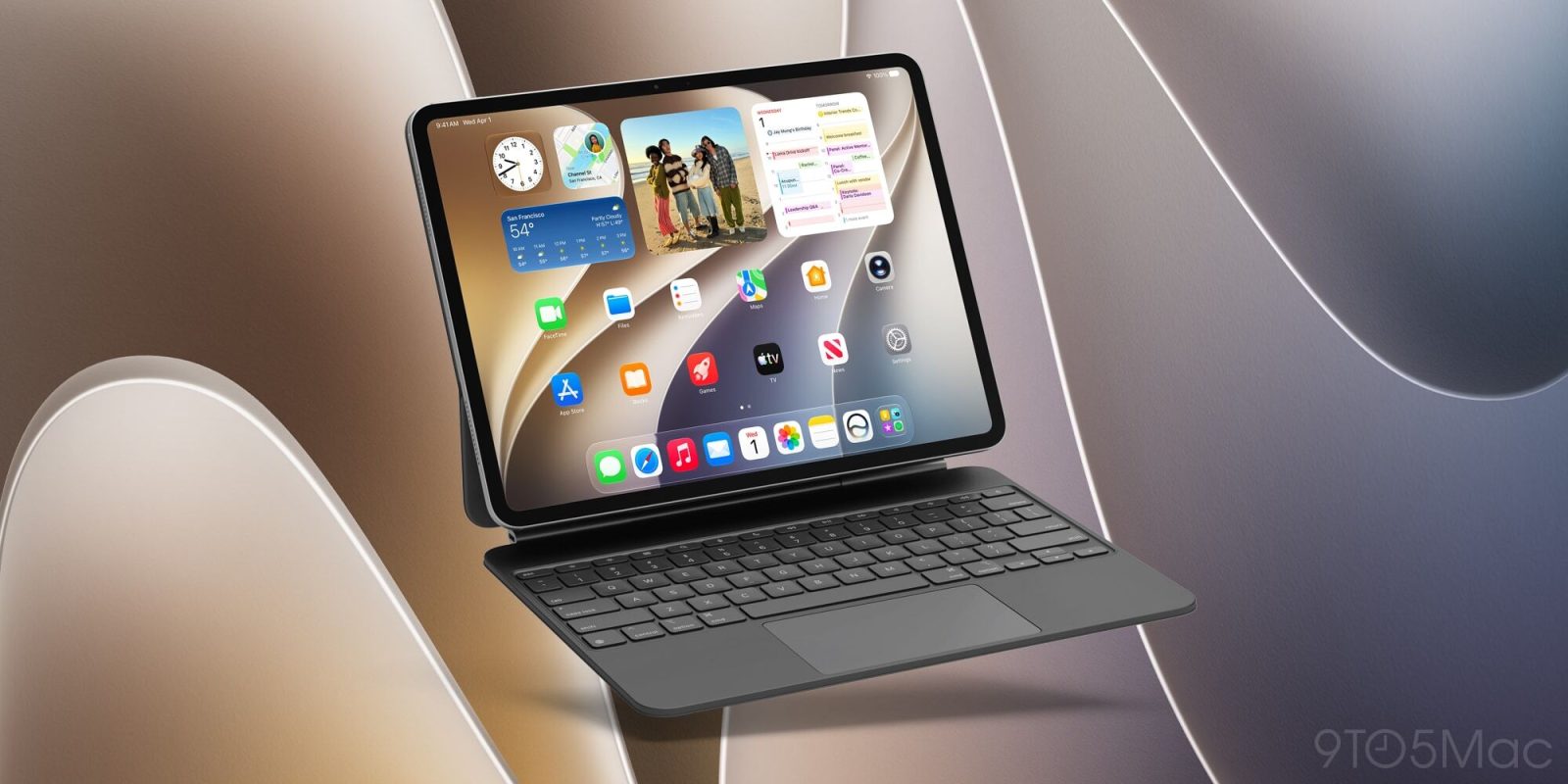
iPadOS 27.2 launched last week with a variety of new features for iPad, including a convenient change for multitasking.
When iPhone Duo first got into users’ hands, several reviews mentioned how the new Split View system felt more intuitive than iPadOS multitasking ever has.
And in iPadOS 27.2, there’s a convenient new multitasking change that’s likely inspired by iPhone Duo.
Apple hasn’t brought over the entire iOS system to the iPad. But it has made one common multitasking feature easier to set up: Split View.
Side-by-side multitasking is easier to set up with the option to choose a second app whenever you tile apps to the left or right with the window controls or menu bar
Starting with iPadOS 26 last year, setting up two apps side-by-side could fairly cumbersome.
You needed to open the first app, resize it, then swipe up from the bottom of the screen to see your other apps, select one, and in many cases manually resize the second app too.
But in iPadOS 27.2, any time you use Apple’s window resizing controls to tile an app left or right, you’ll immediately see the Home Screen and be able to tile a second app with a single tap.
It’s not identical to the iPhone Duo experience, but it’s a lot closer to it than the old system was.
Once you master the built-in keyboard shortcuts for app tiling, it becomes even quicker and easier to set up your apps side-by-side.