// TOM'S HARDWARE US — HARDWARE & GADGET
UPERFECT GR14BU portable monitor review: A 120 Hz 3K OLED touch display at a killer price
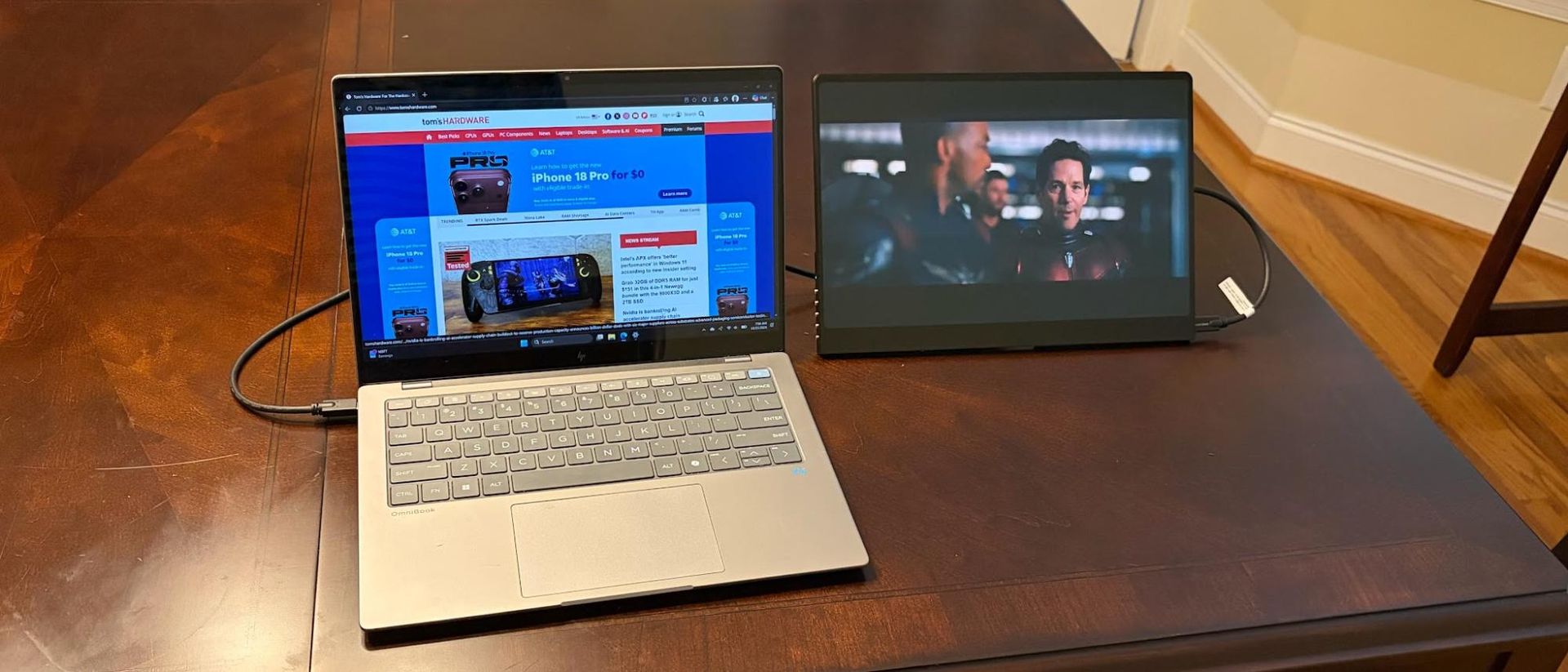
Although it has some flaws, the GR14BU excels in value pricing, features, and performance.
Kickstand and overall design don’t support portrait mode
Why you can trust Tom's Hardware
Our expert reviewers spend hours testing and comparing products and services so you can choose the best for you. Find out more about how we test.
As the portable monitor category matures, a number of new players have entered the market to claim their share of the pie. One company that we haven’t had a chance to sample yet is UPERFECT. But the company is coming out of the gate swinging with the first review sample that it sent our way: the GR14BU.
As its name suggests, the GR14BU is a 14-inch portable monitor, but it doesn’t have a run-of-the-mill 60 Hz 1080p IPS panel like you’ll find on most of the best portable monitors in this segment. Instead, it features an OLED panel with a dense 2880 × 1800 (3K) resolution and a 120 Hz maximum refresh rate. On top of that, the GR14BU also supports touch input in Windows 11.
On paper, it’s a promising product with a street price of under $300. That’s roughly three times the price of a garden-variety 14-inch IPS panels, but is it worth the premium?
At first glance, the GR14BU impresses with its black aluminum frame that wraps around the 14-inch panel. The sleek design is enhanced by the glossy glass, which is typical for OLED panels.
Things take a downward turn from there, however. While the GR14BU features an integrated kickstand, which is much appreciated on a portable monitor, it’s tiny and is mounted directly in the middle of the back panel of the monitor. Because of this position, the GR14BU can only be used in landscape mode. Even if you could somehow prop the monitor up in portrait mode, this would be hindered by the two USB-C ports and HDMI port on the right side of the monitor, and the five OSD buttons on the left side.
Speaking of the OSD buttons, they feel cheap and wobble around like buttons you might find on a cheap plastic stopwatch you’d find at Dollar Tree. They’re shockingly bad for a device with a $399 MSRP. The five buttons are: Power, OSD, Up, Down, and Back.
UPERFECT included a plethora of cables and adapters in the box, which should satisfy all your connectivity needs. Our review unit included two USB-C-to-USB-C cables, one micro-HDMI to HDMI cable, two 180-degree USB-C to USB-C adapters, one 180-degree micro-HDMI to HDMI adapter, and one USB-C wall adapter.