// ARS TECHNICA — INTELLIGENZA ARTIFICIALE
Pixel phones getting new icon styles, Create My Widget, and more in November Pixel Drop
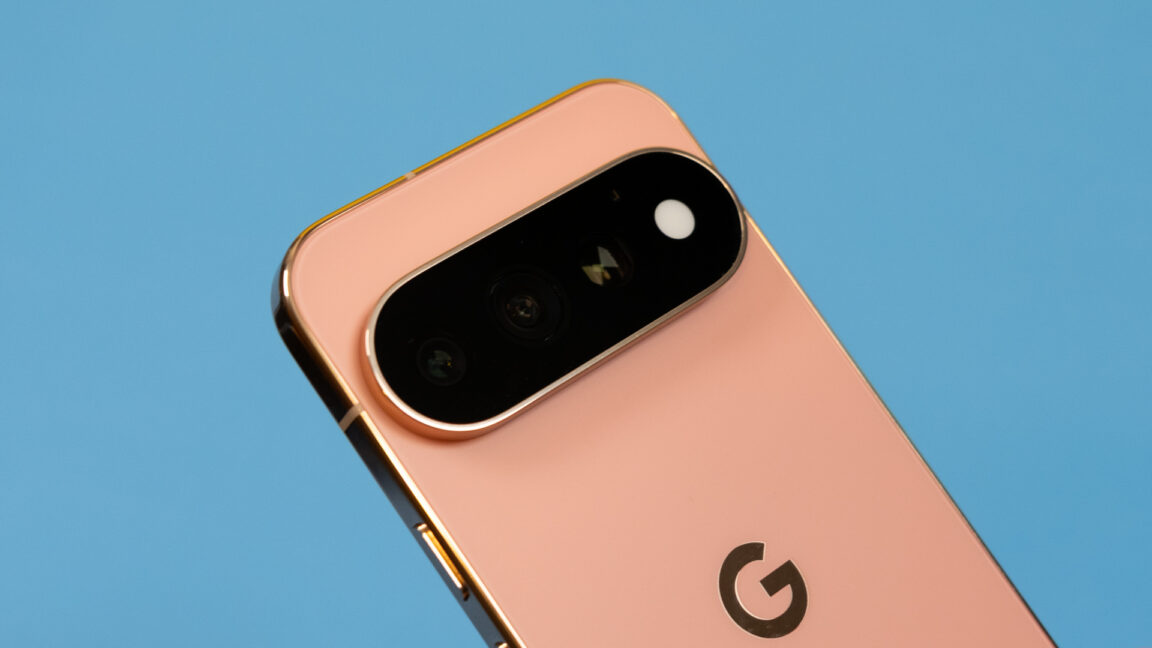
Spruce up your home screen with expanded custom icons and AI-generated widgets.
Google’s Pixel phones get an update every month, but most are just security patches and bug fixes. The bigger changes are bundled into quarterly Pixel Drops, and one is rolling out today. The update brings a few new things, and many of the Gemini features previously exclusive to the latest Pixel phones will also expand to Google’s Pixel 10 lineup.
The Pixel 11 was Google’s first foray into “Gemini Intelligence” branding, something we’ll see a lot more of going forward. Some of the features under that heading were limited to Google’s newest phones (and in some cases, Samsung’s phones). The November Pixel Drop will expand these AI features to the Pixel 10 lineup, but importantly, that doesn’t include the budget-oriented Pixel 10a.
For starters, the Pixel 10 series will get the improved personalized suggestions (previously known as Magic Cue) that debuted on the Pixel 11. This enables things like sending grocery lists to Google Keep from other apps and generating summaries from the context menu. Rambler, Google’s AI-assisted voice input system, is also coming to the 2025 phones. Likewise, Gemini app automation will roll out on Pixel 10 with this update. This feature is still limited to select apps in rideshare, food delivery, travel, and a few other categories.
The AI-powered icon theming that Google added to Pixels back in March is also getting an update. Initially, this feature just matched icon colors to the system theme when developers didn’t include the necessary theming assets. With this update, Google says it has moved the feature to a more powerful Nano Banana model, unlocking 10 new icon styles for your home screen.
The update also brings Create My Widget to Pixel phones. Google announced this earlier in 2026, and it shipped on Googlebooks a few weeks ago. The idea is that you describe a home screen widget you want, and Android builds it for you on the spot. However, the use cases are pretty narrow. You’re limited to data accessible in search (e.g., stock prices, sports scores, and weather) and select Google account data points like Gmail or your calendar.
So that’s a lot of AI. Google does have some non-AI additions with this update, but don’t get your hopes up. One of the headlining additions is (drumroll) HiLight support for Google Messages. Yes, Pixel 11 phones will be able to illuminate HiLight when you get a message from important contacts. Ignoring that we had more functional notification LEDs 20 years ago, this is a good and necessary improvement for Google’s least useful hardware feature.
If you have a Pixel Watch, Google says this update will also improve your workout routine. The Pixel Watch 3 and newer will be able to display step-by-step guidance for your workouts. The wearable can also log reps and weights as you go without interrupting live metrics. While Create My Widget is not yet available on the watch, Google promises it’s also coming soon.
The update is beginning its rollout today and should be available widely in the coming days.