// 9TO5GOOGLE — MOBILE & WEB
Google rolling out Android 17 QPR2 for Pixel
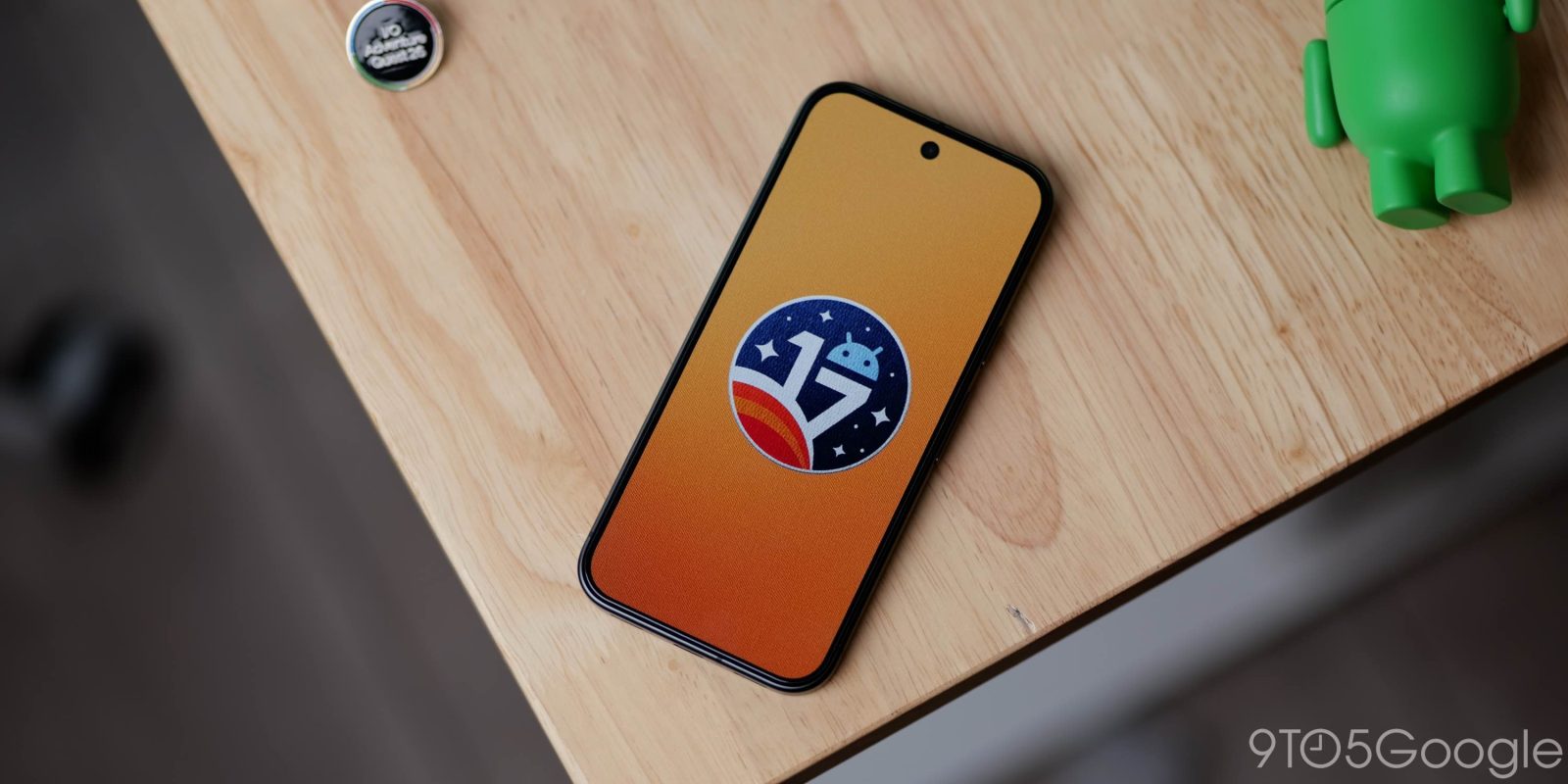
Android 17 QPR2 is rolling out to Google Pixel devices as a sizable release that comes a month early in a small deviation from the quarterly cycle.
November 2026 Pixel Drop: Create My Widget, HiLight for Google Messages, Pixel 10 Rambler, & more
Pixel Watch Drop: Create My Widget, Phone-to-Watch Unlock, and Wear OS 7.1
Long-pressing on your homescreen reveals a tweaked design for the menu pop-up where the carousel appears first. Going to Wallpaper & style > Color reveals a new paint palette icon that gives you the “Select a color” slider to choose the main accent after previously being limited to presets. The corner pencil icon on the main page lets you choose between Neutral, Soft, Bright, and Bold themes.
On the Pixel 11 Pro, 11 Pro XL, and 11 Pro Fold, HiLight now supports message notifications — blinking twice — after launching with just calls and Gemini status. Go to Settings > System > HiLight for the new “Messages from favorites: Glows when your favorite contacts send you messages.” When you go to Google Contacts, the HiLight sheet shows individual options for Phone calls and Messages.
When you’re charging or Battery Saver is enabled, there’s now an outline around the battery icon in Quick Settings. Additionally, it’s now Settings > Battery & charging for a more unified menu as introduced on the Pixel 11 series.
In Quick Settings, there are new Tiles for Audio streams and Voice broadcast. A bigger update that lets you customize the arrangement of the brightness slider and media player is not launching with this release.
The new Status bar customization in Settings > System lets you control which Notification icons appear (All, Priority, or None), as well as System icons:
Android 17 QPR2 is rolling out starting today for the Pixel 6a, Pixel 7, Pixel 7 Pro, Pixel 7a, Pixel Tablet, Pixel Fold, Pixel 8, Pixel 8 Pro, Pixel 8a, Pixel 9, Pixel 9 Pro, Pixel 9 Pro XL, Pixel 9 Pro Fold, Pixel 9a, Pixel 10, Pixel 10 Pro, Pixel 10 Pro XL, Pixel 10 Pro Fold, Pixel 10a, Pixel 11, Pixel 11 Pro, Pixel 11 Pro XL, and Pixel 11 Pro Fold.
Visit Settings > System > System update and click the “Check for update” button if the OTA hasn’t already appeared on your device. Android 17 QPR2 Beta users will get a small update to this final release.