// ENGADGET — MOBILE & WEB
Common reasons your Roku TV can turn on by itself and how to fix it
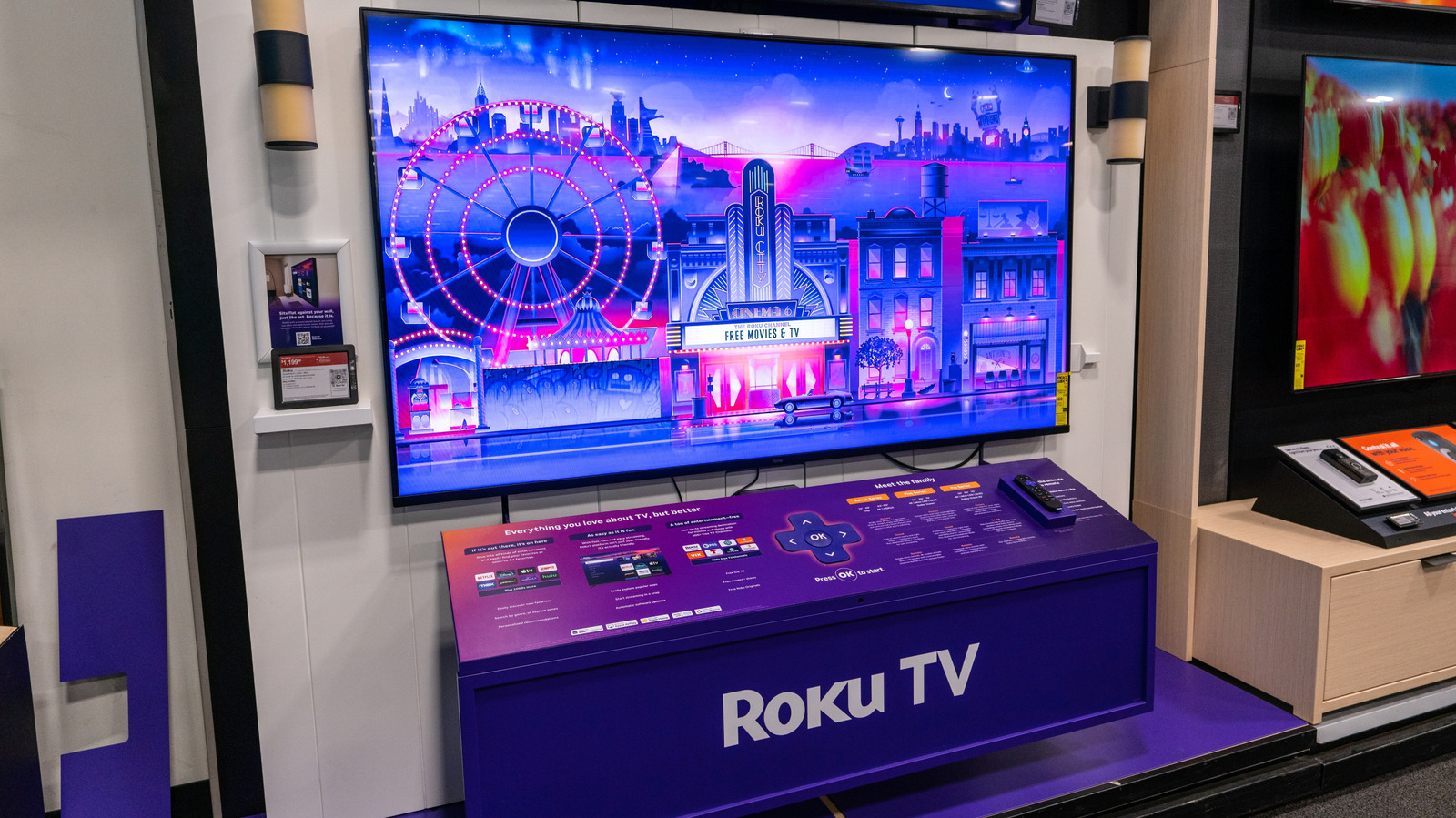
Some people have been experiencing random power-ons recently.
You're sound asleep in the middle of the night when, all of a sudden, your TV turns on. You know you turned off the TV before you went to bed, no one else is awake, and there's nothing near your remote to accidentally push the power button. What — or who — could have turned on the TV? A bored spirit haunting your home? A burglar looking to take a quick break?
Those scenarios are highly unlikely. But, unfortunately, some Roku TVs and Roku streaming device owners have been jolted out of their slumber by those products inexplicably powering on randomly over the past few months. And no one really knows why it's happening. There may be a few explanations, however, and a couple of potential fixes to try if your Roku device has gone rogue during the wee hours.
When Roku OS version 15.3 went live in August 2026, owners of Roku TVs and Roku streaming devices began reporting these middle-of-the-night disturbances. Not every Roku TV or streaming player has been impacted by this supposed 15.3 bug, but the timing of the reports with the software update seems more than coincidental.
What's odd about that, though, is that there was nothing in the 15.3 update that involved autoplay features or even power management. So, in theory, the changes that were made to the Roku OS shouldn't have spurred these instances of people's Roku TVs "waking up" without being powered on by anyone (or anything) and playing a TV show or movie. But we all know that software updates often introduce bugs with no real rhyme or reason, and that feels like the most logical explanation for these strange occurrences.
Having your Roku TV's HDMI-CEC feature enabled is another very plausible reason the TV powers on randomly. If you're not familiar with HDMI-CEC, it's basically a chain that links all your A/V components with built-in HDMI switching (like soundbars, gaming consoles, receivers and speakers) since they're all connected via HDMI cables. And this allows all of those devices to be controlled with one remote.
So, when you power on your Roku TV, for example, HDMI-CEC essentially notifies all the other connected components to turn on. All it takes is one glitchy signal to confuse the whole chain, which could lead to a random power-up. And there is a history of HDMI-CEC causing strange switching between inputs and components, as well as phantom power-ons. Samsung Anynet+, Sony BRAVIA Sync, LG SimpLink and Roku 1-Touch Play are all just different names for the same HDMI-CEC standard, but each has its own custom software added to it to create the proprietary HDMI-CEC feature for each brand of smart TV.
Unfortunately, compatibility sometimes becomes an issue unless all of your connected devices are made by the same company (though even that doesn't guarantee incident-free performance). This can cause signal miscommunication that results in the random behavior of your Roku TV or streaming device.
There are other possible explanations for your Roku TV turning on by itself. For example, the Fast TV Start feature is a proprietary power-management setting that keeps your Roku TV's OS on in the background even when you shut off the TV.
This allows the TV to turn on instantly without any boot time, and it keeps the TV on alert for voice commands to turn the TV back on. Fast TV Start has also seemingly caused phantom power-on problems in conjunction with the Roku OS 15.3 update, as the always-on network connection kept open the door for overnight glitches.