// 9TO5MAC — MOBILE & WEB
iOS 27.2 has two CarPlay improvements, here’s what’s new
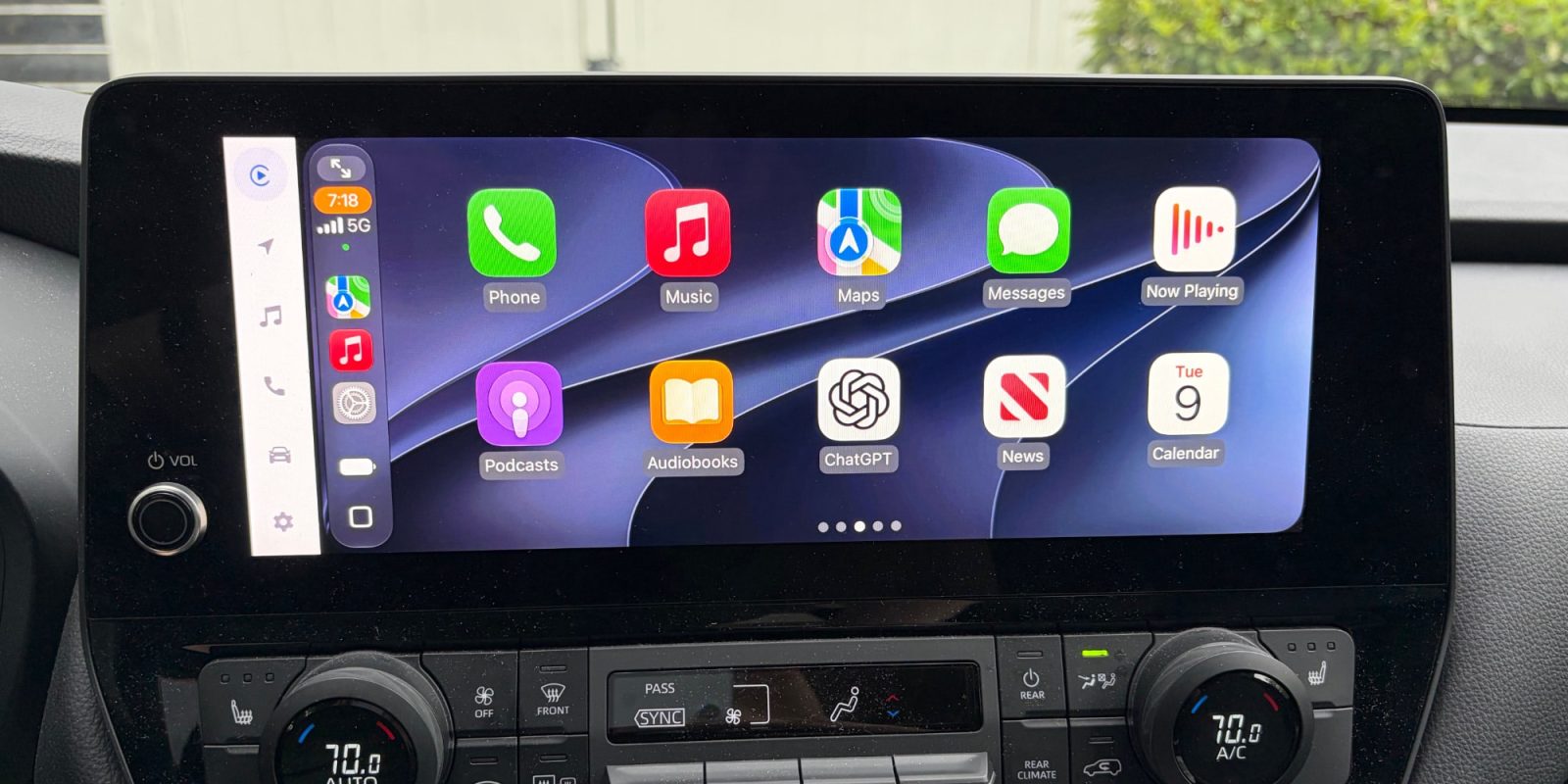
iOS 27.2 introduced new features for Messages, Apple TV, and more, including two improvements for CarPlay. Here’s what’s new for CarPlay users.
Apple Podcasts in iOS 27.2 adds two new sections to the Home tab: ‘New Episodes’ and ‘Continue Playing.’
Essentially, Apple has rethought how the core ‘Up Next’ queue of its Podcasts app works.
Like you would expect, ‘New Episodes’ contains only the latest episodes from your favorite shows. But after you’ve started an episode, you’ll find it in the ‘Continue Playing’ row just below.
This overhaul to podcast management makes it easier to find the latest episodes of your shows and also pick up where you previously left off. I’m a big fan of the change.
Siri AI introduces a variety of upgrades in iOS 27.2, including two that carry over to CarPlay as well.
It can take some adjustment to remember that Siri AI is available in the car just like on iPhone. But CarPlay is an especially useful platform for Apple’s more powerful assistant.
It’s arguable whether this qualifies as an “improvement,” but it is a change worth mentioning. iOS 27.2 includes a new app icon for Apple Music, plus some minor design tweaks in the app. These changes are related to the broader rebrand of Apple Music that was recently unveiled.
More significant to me personally, the update also seems to have fixed a longstanding CarPlay bug regarding playlist sorting.
I use custom sorting for several of my playlists in Apple Music, and before iOS 27.2, my sort settings didn’t carry over from iPhone to CarPlay. Fortunately that’s now been fixed, as Reddit users have reported too.