// ENGADGET — MOBILE & WEB
10 uses for NFC tags in and around your home
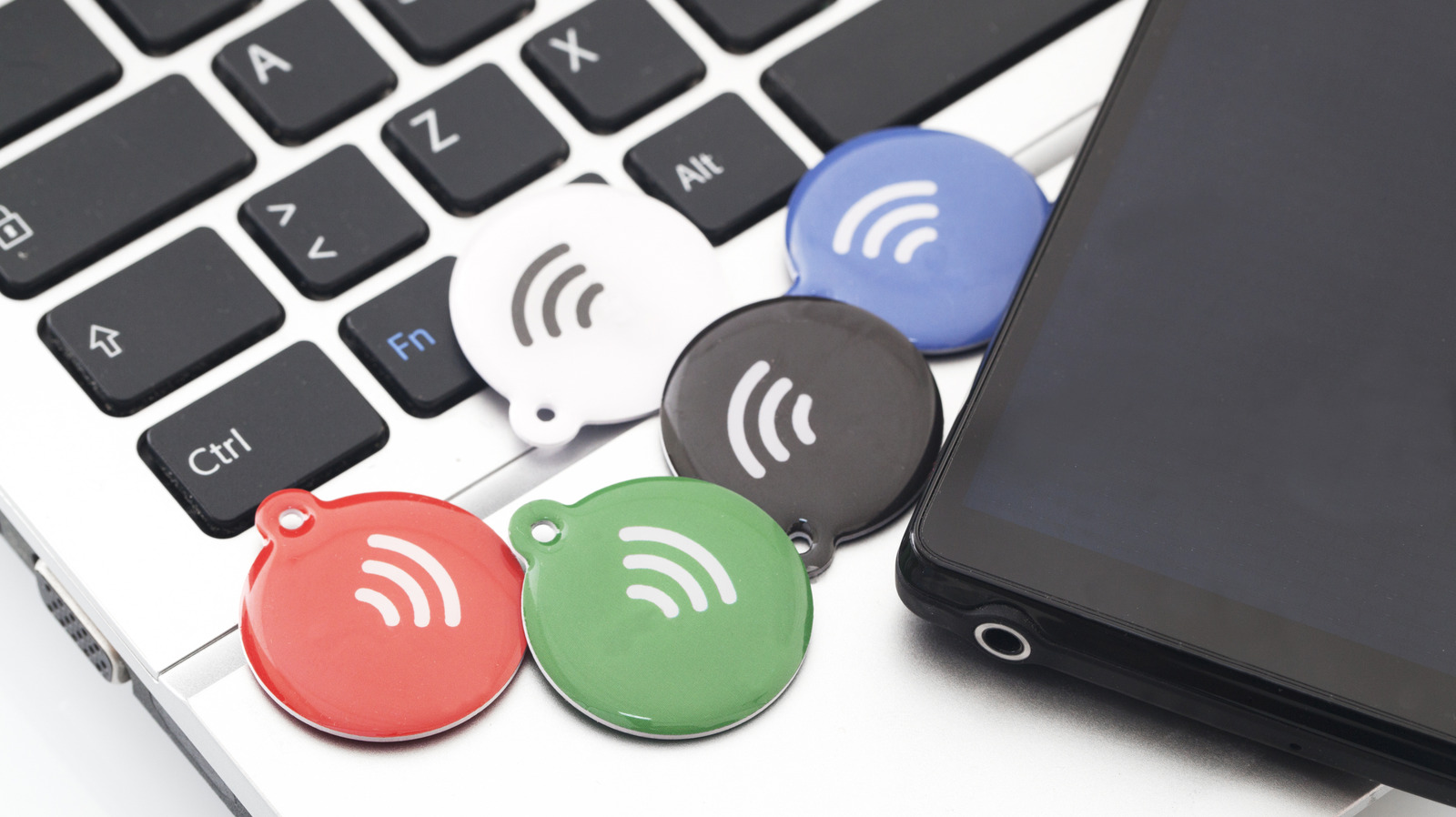
NFC tags are cheap and let you run all kinds of automations just by bringing your phone close by.
We may receive a commission on purchases made from links.
NFC (Near Field Communication) is one of those technologies that's easy to use without realizing it. It's the driver behind contactless card payments, mobile wallets and tap-to-ride transit passes. You can also find NFC tags on some restaurant tables these days instead of QR codes: tapping the tag with your phone opens the menu website.
The neat part about the last example — the NFC tag — is that it doesn't require a power source. The stickers have embedded antennas that communicate with phones via low-intensity radio waves at a maximum range of ~1.5 inches. All you have to do is program them.
To do that, you need a smartphone, NFC stickers and an NFC-writing app. Behaviors vary between Android and iOS, which we'll get into below. Thankfully, the stickers are cheap. A 50-pack of rewritable NFC stickers can run as little as $6.79. For stickers you put on metal surfaces like your fridge or washing machine, you'll need anti-metal NFC tags because the signal of standard ones is blocked by metal surfaces. Anti-metal options like the Summerbrite 30-piece NTAG215 set are a little more expensive than standard tags.
Free apps like NFC Tools on Android and Apple Shortcuts on iPhone are all you need to get started. If you need more than the basics on iPhone, NFC Tools is also available for iOS.
Modern versions of Android and iOS can easily share your home Wi-Fi credentials with others, but you've got to be around to share them. If your 10-year-old has a friend over or you've got a house full of guests, an NFC sticker near the router that's programmed to share the password for your guest Wi-Fi network might be useful.
For Android users, open NFC Tools. Tap the Write tab, then Add a record. Scroll down the list to Wi-Fi network; tap it, then add your Wi-Fi credentials. You'll be prompted to move near your sticker so you can write your Wi-Fi info onto it.
If you're on iOS, you can't connect to Wi-Fi via NFC. Further, automations created with the Shortcuts app are device-specific; they will only work for you, not your guests. The best you can do in this case — short of using a QR code — is creating a URL record that links to a Google Doc or Apple Note where you store your Wi-Fi credentials. Your iPhone-owning guests would tap the NFC tag, get your Wi-Fi info, then copy it onto their devices.
If you're building a smart home, there's a lot you can do by combining NFC tags and home automations via your home assistant of choice. This hack is for anyone who's crawled into bed, then wanted to watch one last video or answer one last text, but can't because of a pre-set bedtime routine.