// 9TO5MAC — MOBILE & WEB
macOS Golden Gate adds a new app to your Mac; here’s what it can do
9to5Mac is brought to you by Memoket: The Memoket Gem is an 11g AI wearable that slots beside your Apple Watch in a co-wear band. Press once to capture a conversation, and Gem connects it to what you discussed weeks ago — surfacing the earlier thread with a source link. From $179, shipping August 2026.
As we enter the final weeks of beta testing, Apple will likely release macOS 27 Golden Gate to the public next month. One of the biggest changes with this year’s update is the addition of an all-new Siri app for Mac users.
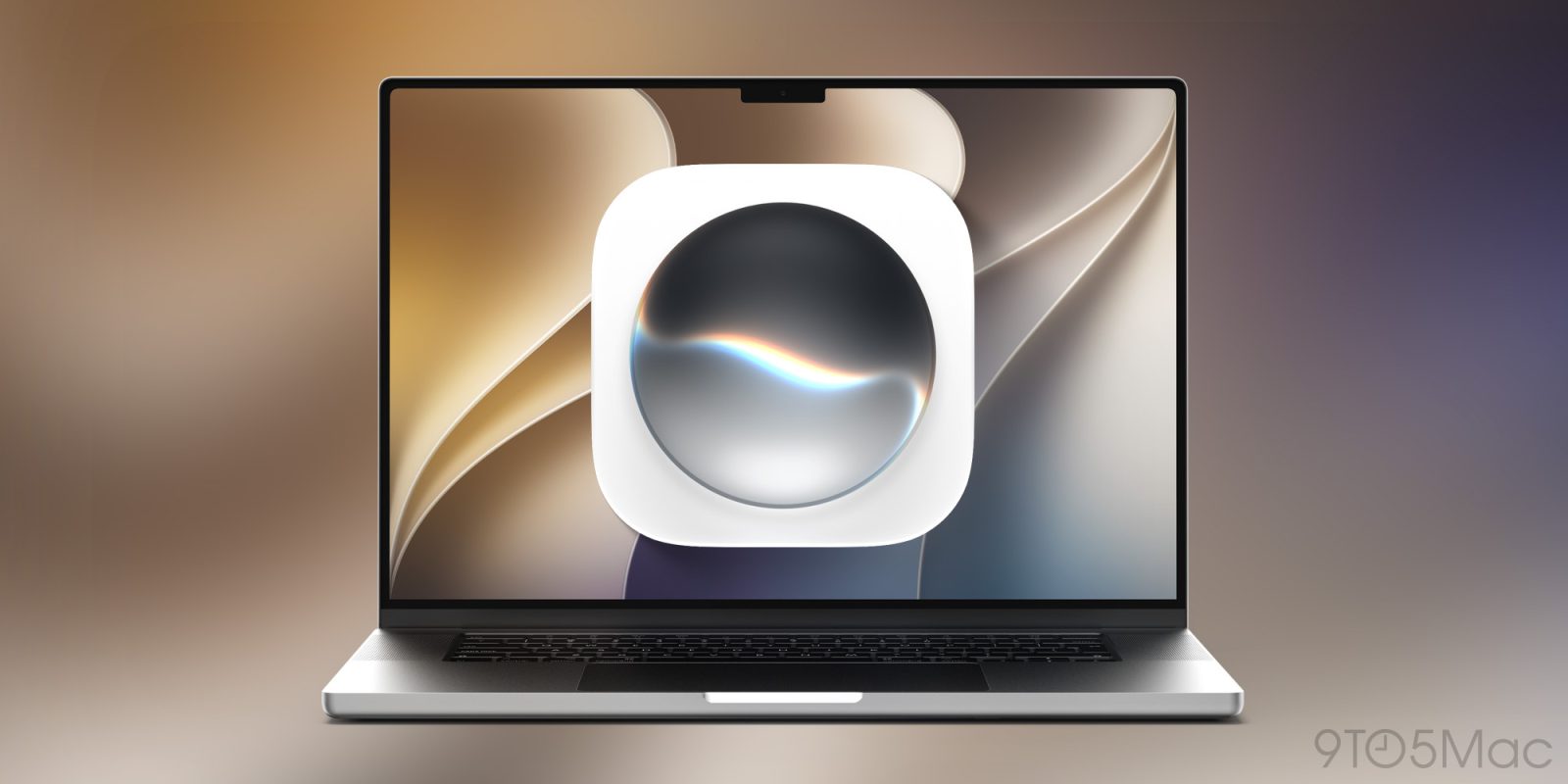
When you update to macOS 27 later this year, you’ll see a new Siri app icon in your Mac’s dock. This marks the first time that Apple has released a dedicated Siri app for the Mac.
Siri AI is the flagship change for macOS 27 Golden Gate this year. Apple has rebuilt Siri from the ground up with an all-new architecture, with features including personal context understanding, world knowledge, on-screen awareness, in-app actions, and much more.
The Siri app is a key part of this new system. In the app, you can view all of your previous conversations with Siri or start a new one. The app also uses iCloud to sync your conversations across your Apple devices. For example, this means you can start a Siri interaction on your iPhone, then revisit it when you sit down at your Mac.
The Siri app on Mac has two different interface options. First, you can choose to view your conversations in a list-style view similar to Messages. You can also choose to use a grid-style view, where each of your conversations is a floating card.
In System Settings on your Mac, you can also manage how long the Siri app saves your conversations. You can choose between forever, 30 days, and one year. If you choose the latter two options, your conversations will be permanently deleted once they cross either threshold.
The System Settings app also lets you choose whether the Siri app opens to your recent conversations or to a new conversation by default. You can also adjust how many lines of text you see in the conversation preview, from zero lines to five lines.
The Siri app will be available on MacBook Neo (A18 Pro) and Mac models with M1 and later.
While I think the app is relatively basic, I’m pleased that Apple decided to release a chatbot-style Siri app with macOS 27.