// HACKER NEWS — CYBERSECURITY
Everything I own, owned
Over the past couple weeks I’ve been doing agent-driven reverse engineering of peripherals that happen to be
within arm’s reach. From those devices, I’ve come away with a full plaintext command shell inside my microphone,
a webcam whose activity LED I can switch off while it records, and a key light that hands out memory writes to
anyone on the WiFi. Peripherals have proven to be an ideal target for agentic RE - they’re tiny computers
attached to my computer, with a data connection to the host and usually a firmware update mechanism, so an
agent has something to iterate against. The net outcome is better control and understanding of my machine.
My process was pretty much the same for each of these devices: grab a copy of the device’s firmware and
associated update tool from the manufacturer, throw it into my
reverse engineering environment, tell Claude Opus 5 what my goals are,
and let it churn. Depending on the device, the goals were somewhat different, but they usually looked something
like:
Depending on the results, there were different directions of follow-up, but you should get the general idea.
Let’s run through the list - each device links to a GitHub repo full of generated-slop docs and scripts, most
of which have been validated live against real hardware. I’ve also included the effort each device took, pulled
out of the Claude Code session transcripts. “Churn” is the time Claude was actually working, with the long idle
gaps removed. “Prompts from me” is every message I typed, including the one-word ones telling it to keep going.
All five devices together came out to about 13 hours of churn and 98 prompts, spread across two weeks of
evenings.
GitHub repo - 3.7 hours of Claude churn, 33 prompts from me
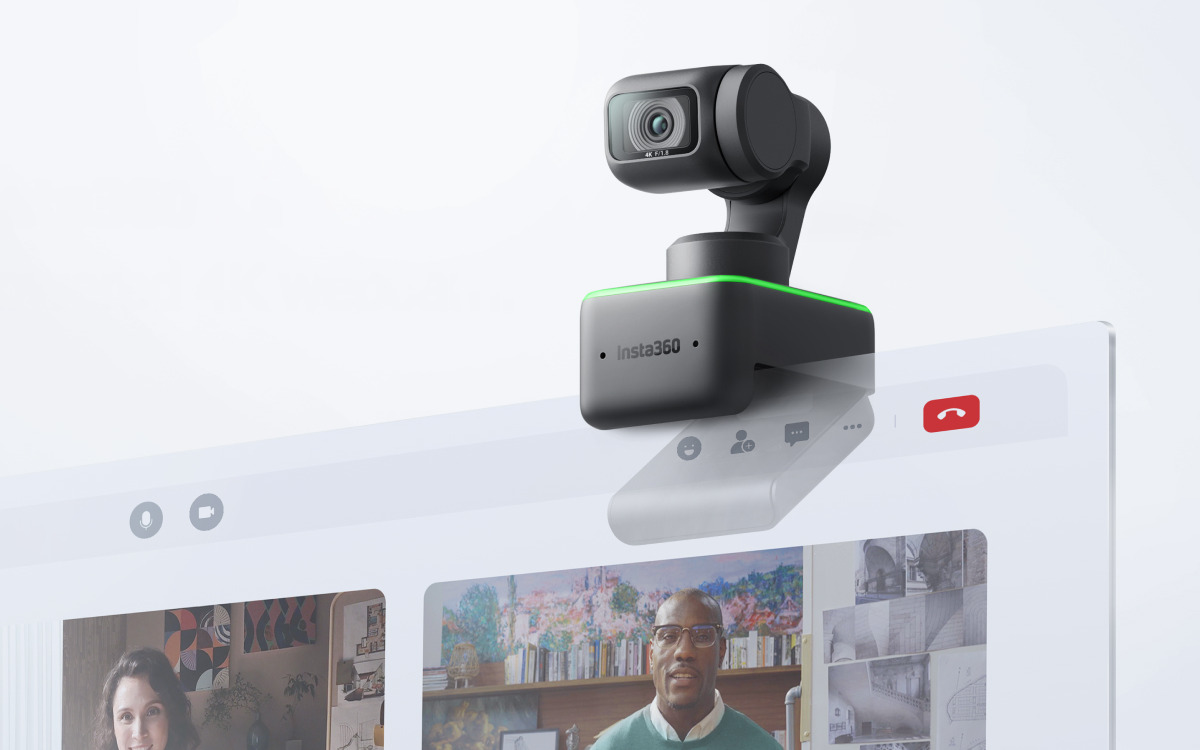
I use an Insta360 Link webcam, which is a nice gimbaled pan-tilt-zoom camera that does face
tracking for automatically framing the shot. I wanted to know if it was possible to subvert the activity LED,
like in the classic
iSeeYou exploit.
Interestingly, it was immediately obvious that this camera has a lot going on inside it. It turns out that it
runs a whole RTOS (ThreadX) sourced from the upstream SoC vendor, Ambarella. The
RTOS hosts several small vision models that provide things like the aforementioned face tracking, as well as
gesture detection for controlling settings. Pretty amazing complexity inside a tiny webcam, but it also means
there’s some exciting attack surface here.
Over the USB Video Class interface, there’s an XU (Extension Unit) command that kicks the device into “mass
storage” mode. This then lets us transfer a staged firmware update to the device’s internal FAT filesystem,
which the device then applies to itself on reboot. This route does require user intervention to reboot with a
replug, but there’s actually another command channel that exposes
arbitrary read/write of files and a
reboot command over the USB vendor class. With this, we can fully flash the device without any user interaction.
Once the firmware is in the right place, there’s effectively no anti-tamper, just an appended MD5 hash to
ensure integrity.
The indicator LED turns out to have a
well-structured set of “patterns”
in the firmware that dictate color, blink pattern, etc. that are indexed into for various device states. I had
Claude write a tool to patch out the table entry for camera activity, fix up the integrity hash, and flash it to
the camera. A quick test showed that the green LED that normally illuminates while recording no longer turned
on. Horrifying! On this device, the gimbal itself also deflects down when not recording, so it’s not
completely stealth, but it still doesn’t feel great.
GitHub repo - 1.2 hours of Claude churn, 13 prompts from me
My ASUS ROG Swift PG42UQ monitor was actually where I started, because I got annoyed at the pop-up overlay
that comes up every once in a while that tells me to run “pixel cleaning”. I have never intentionally run pixel
cleaning on this monitor and I never will, I don’t care,